Notes on password sense
Plain-English notes on password safety, account security, and the small habits that actually keep your accounts safe online. Published by the team behind VaultMesh.
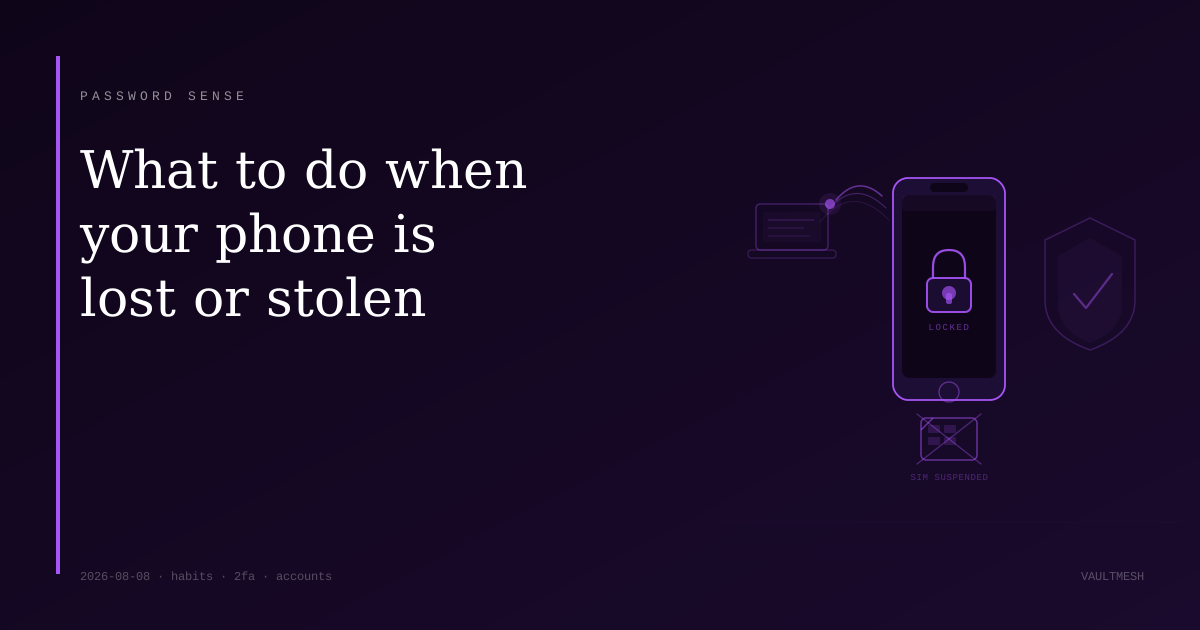
What to do when your phone is lost or stolen
Your phone holds active sessions, SMS codes, and 2FA credentials for most of your accounts — losing it requires more than filing a claim.
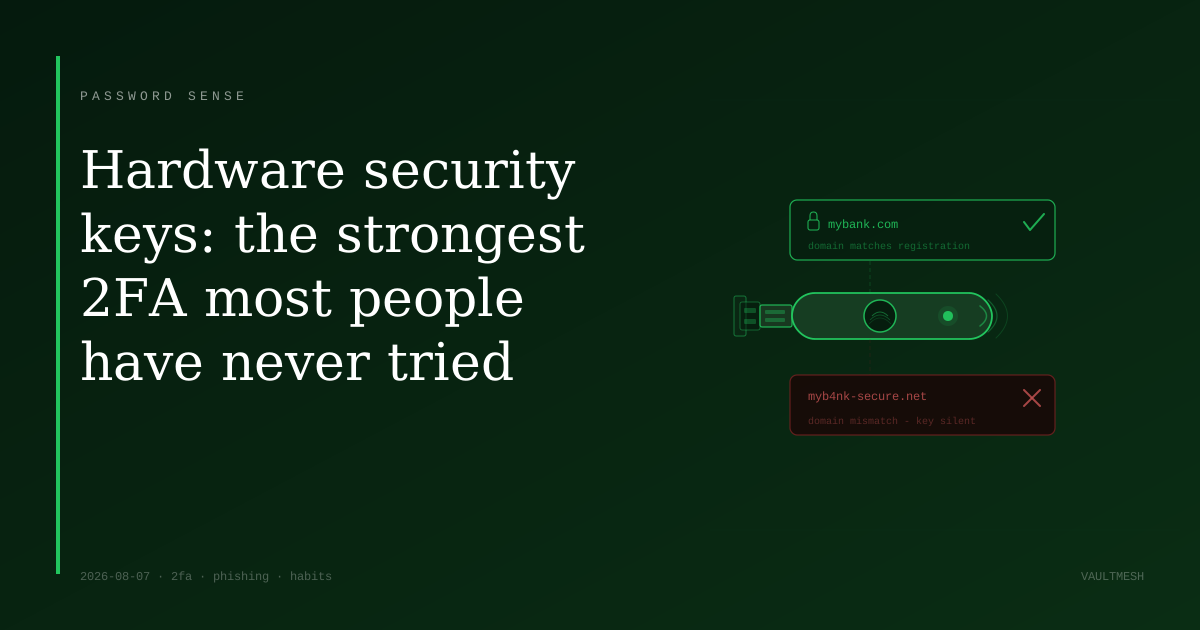
Hardware security keys: the strongest 2FA most people have never tried
Hardware security keys are the only form of 2FA that a phishing page can't steal — here's how they work and who should consider one.
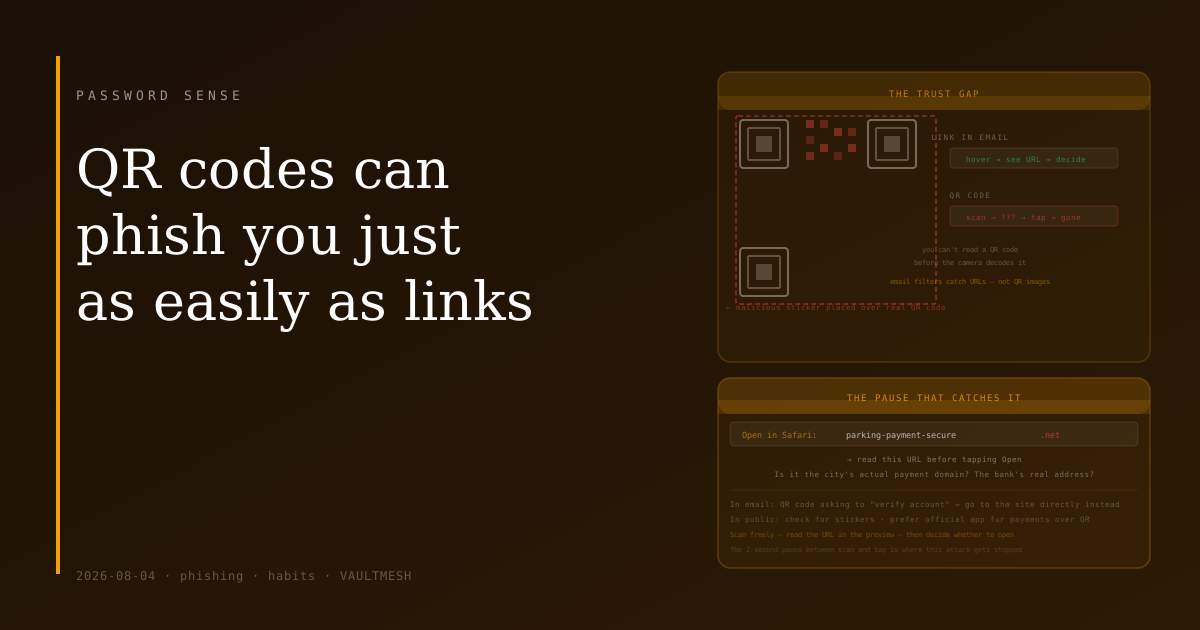
QR codes can phish you just as easily as links
QR codes are opaque by design — you can't hover over one to preview where it goes. That gap in visibility is exactly what makes them useful to attackers.
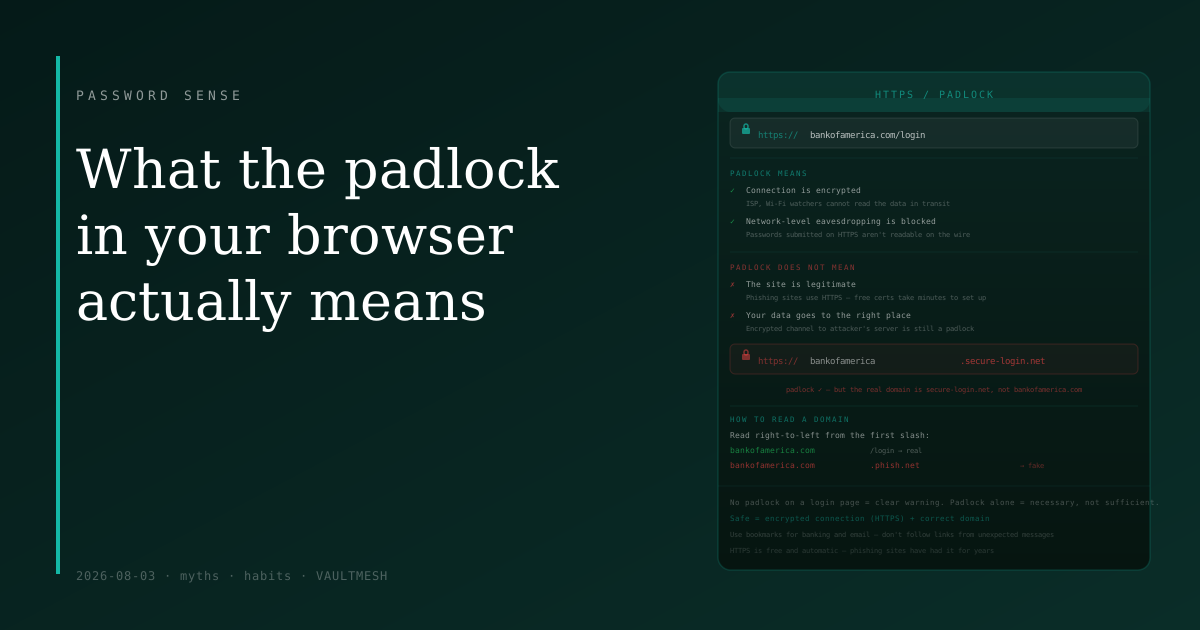
What the padlock in your browser actually means
The padlock means your connection to a site is encrypted — not that the site is legitimate. Phishing sites use HTTPS too.
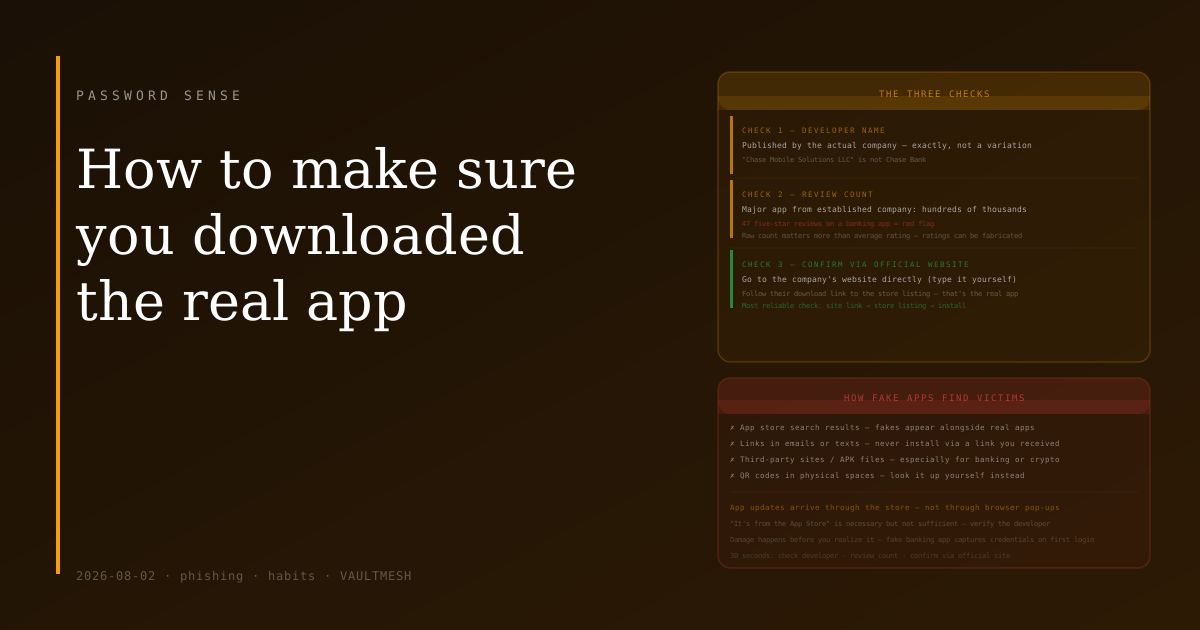
How to make sure you downloaded the real app
Fake apps impersonating banks, wallets, and popular services appear in official app stores. The check that catches most of them takes about thirty seconds.
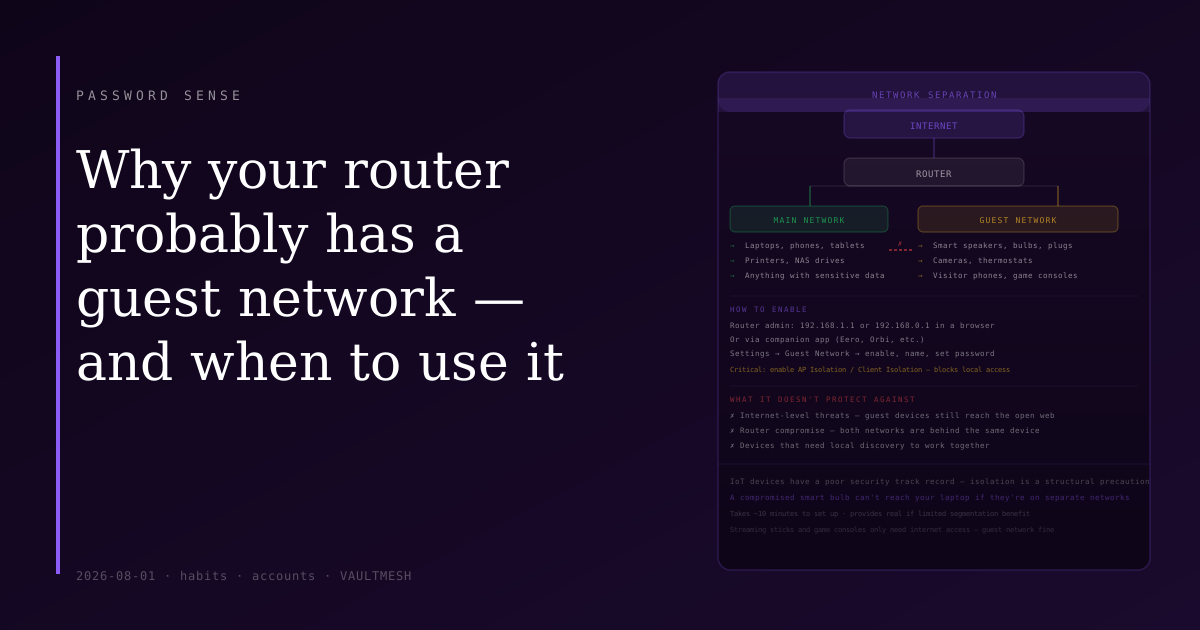
Why your router probably has a guest network — and when to use it
A guest network shares your internet connection but keeps devices on it isolated from your main network. It takes a few minutes to set up and is worth doing if you have smart devices or frequent visitors.
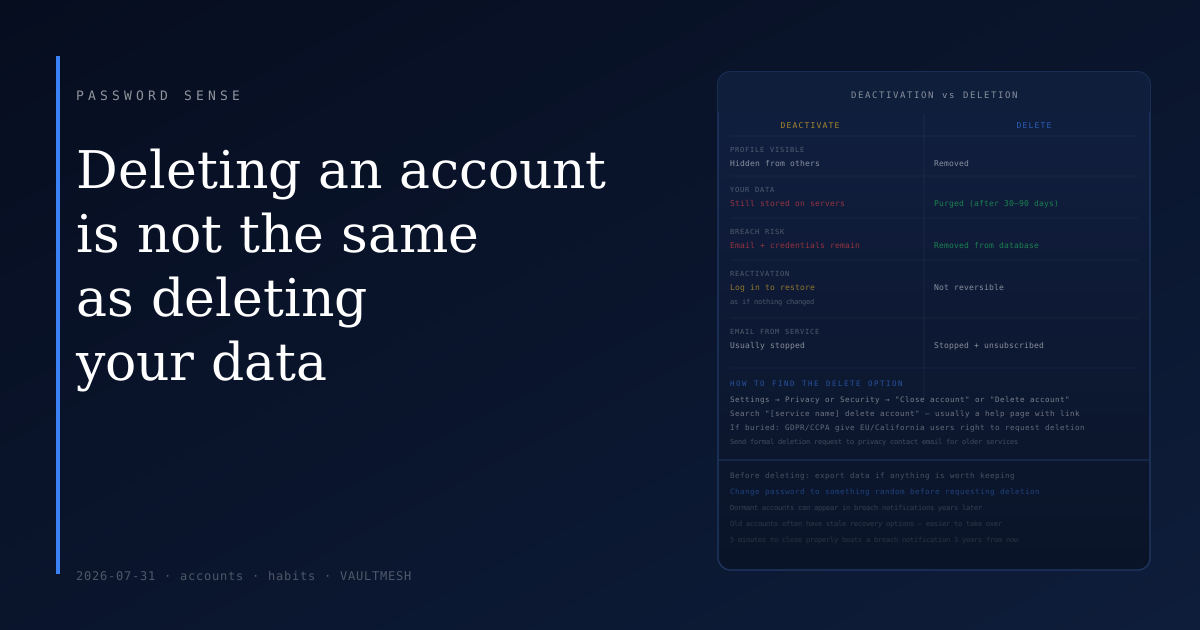
Deleting an account is not the same as deleting your data
Most services distinguish between deactivating an account and deleting it. Deactivation hides the account but keeps the data. Finding the actual delete option is worth the extra few minutes.
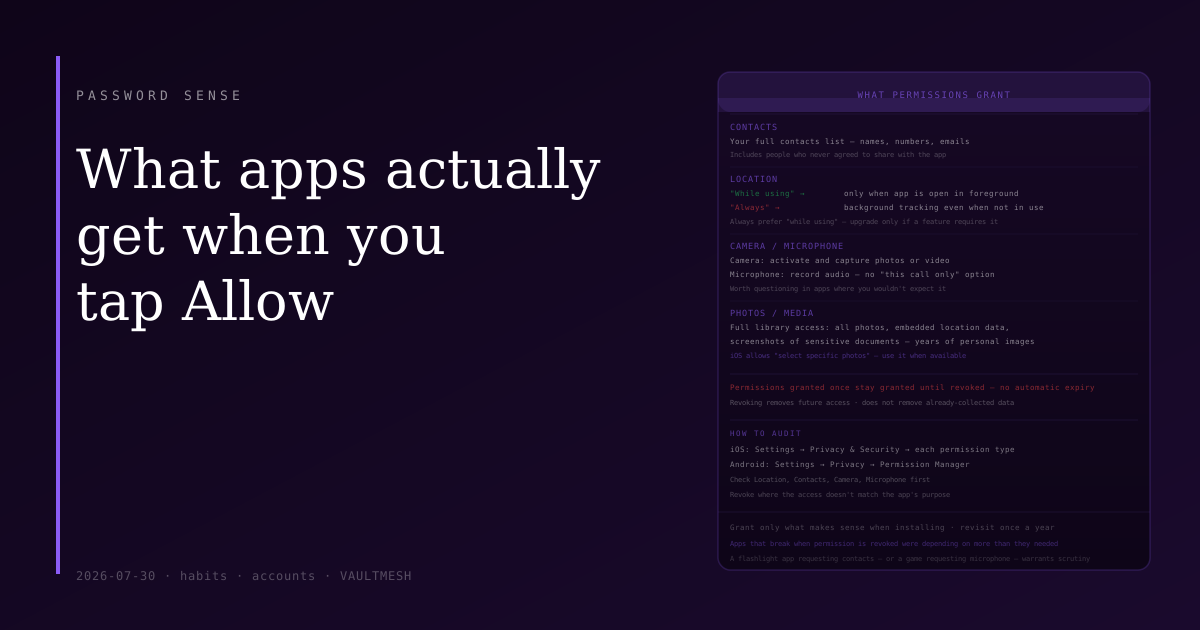
What apps actually get when you tap Allow
When an app asks for access to your camera, contacts, or location, what does it actually get — and for how long? Permissions granted once tend to stay granted indefinitely.
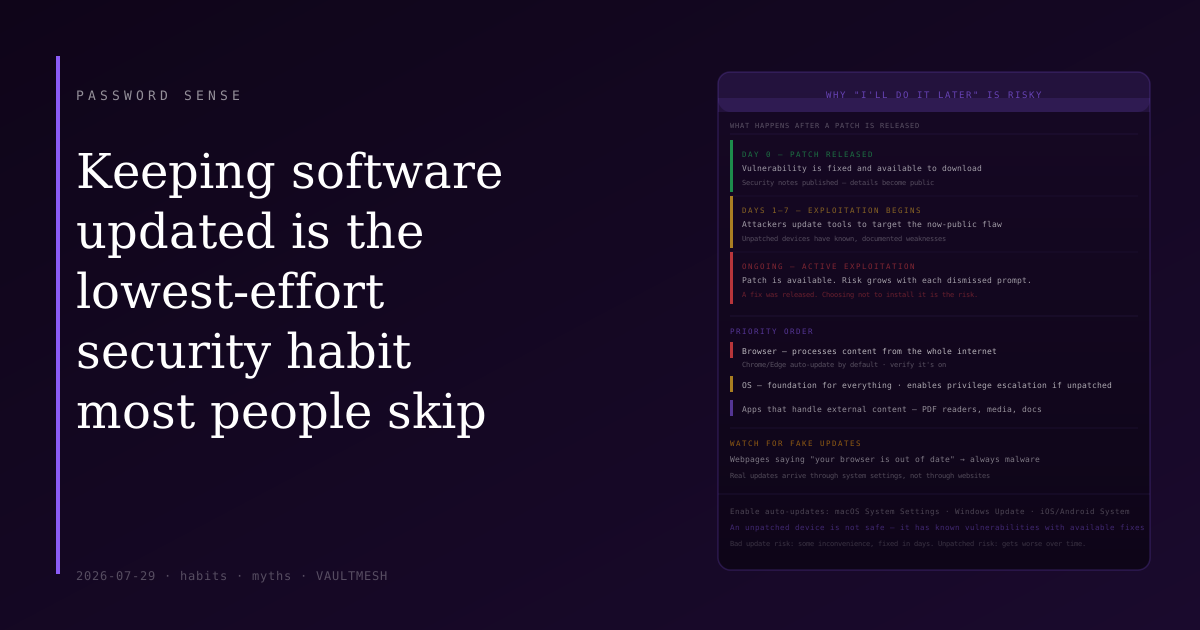
Keeping software updated is the lowest-effort security habit that most people skip
Dismissing update prompts feels harmless. But most real-world exploits target known vulnerabilities that already have patches — which means an unpatched device is a device with known, public weaknesses.
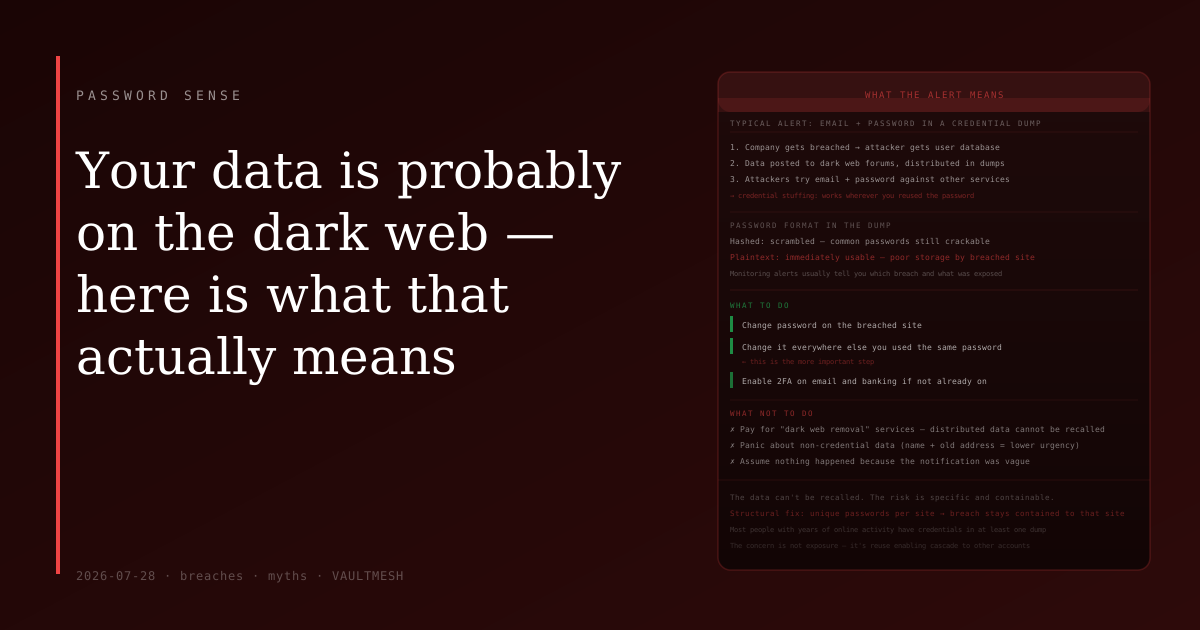
Your data is probably on the dark web — here is what that actually means
A dark web monitoring alert sounds alarming. In practice it usually means credentials from an old breach are circulating in dumps. What to do about it is simpler than the notification implies.
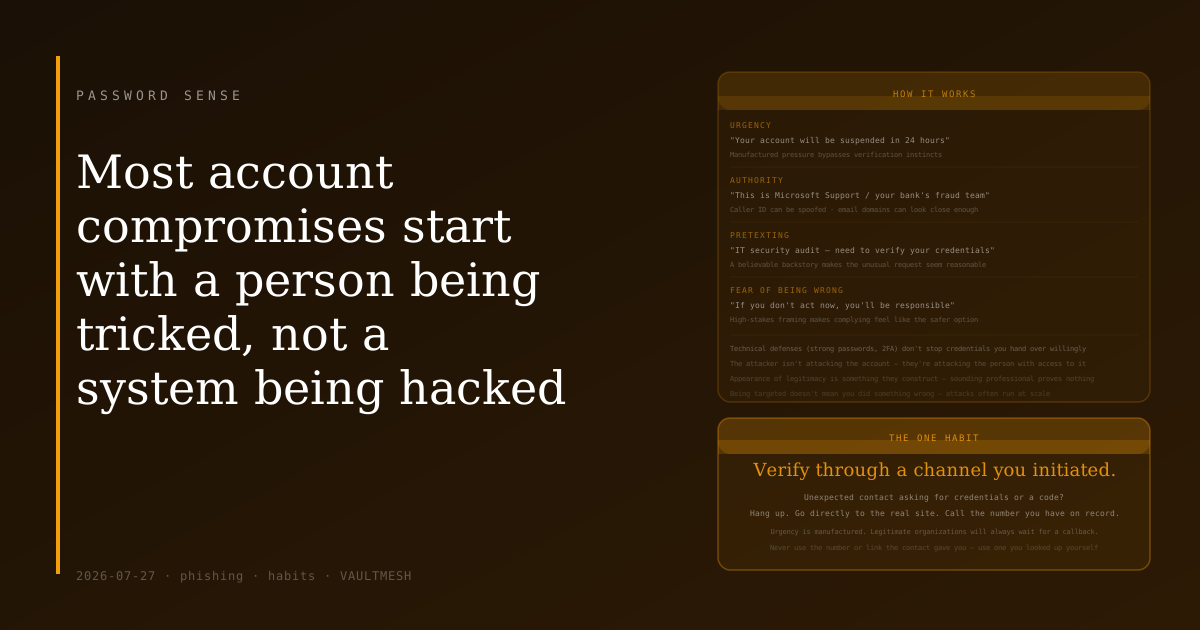
Most account compromises start with a person being tricked, not a system being hacked
Technical exploits get the headlines, but the more common story is simpler: someone was convinced to hand over their credentials. Understanding the patterns is most of the defense.
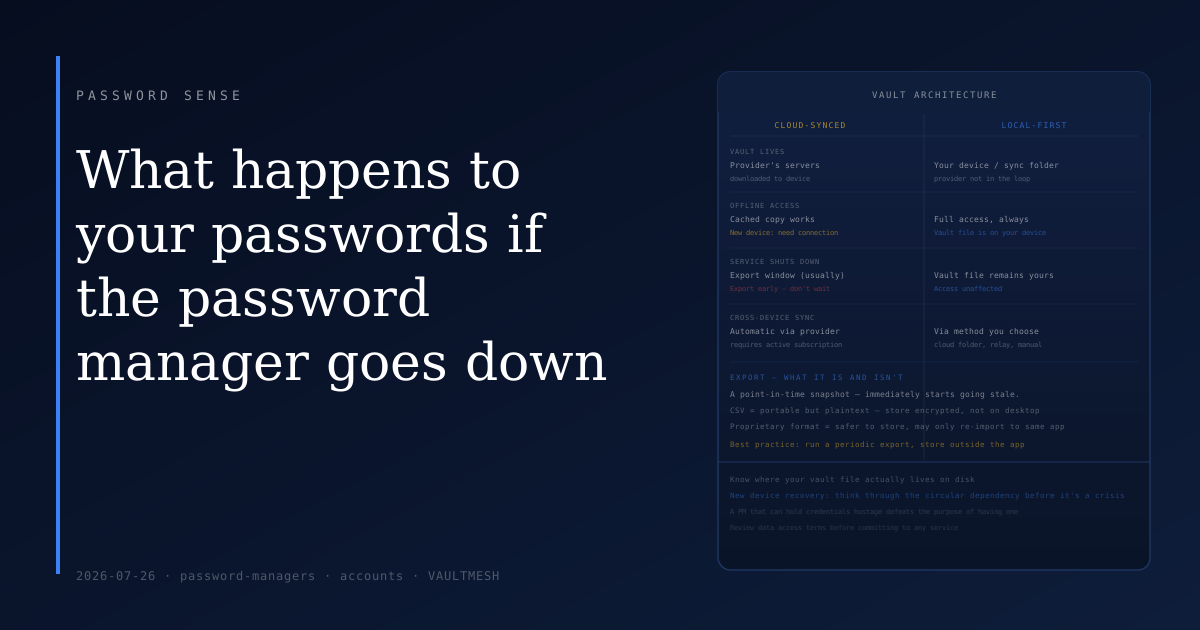
What happens to your passwords if the password manager goes down
A reasonable fear about password managers is that they could go offline and take your credentials with them. The answer depends on how the manager stores your vault.
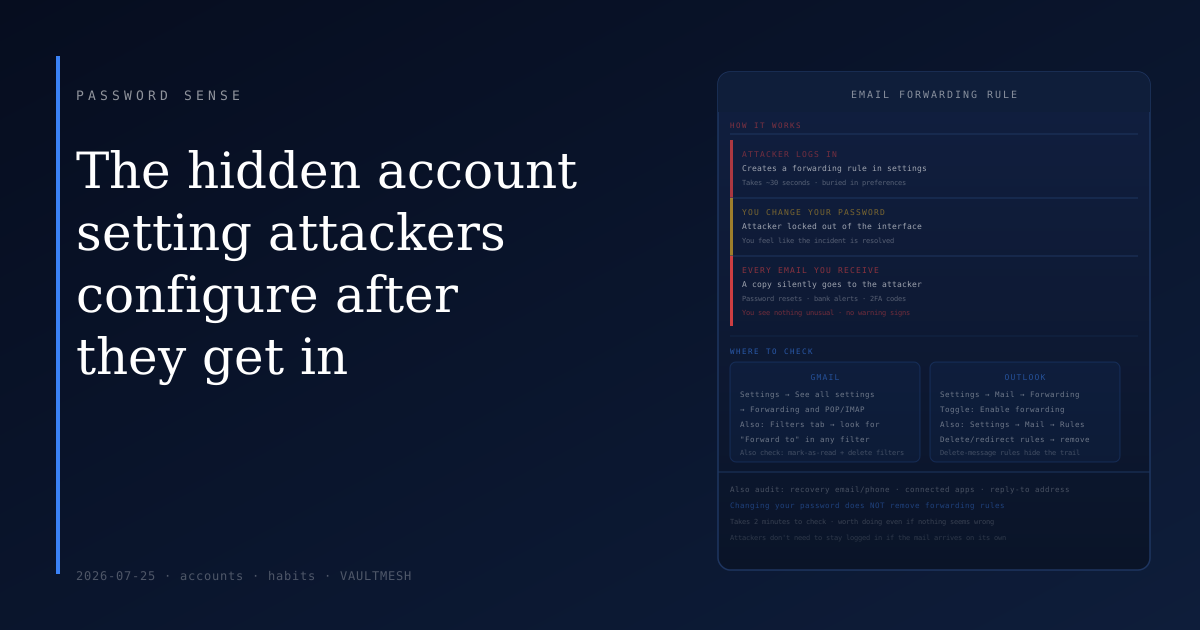
The hidden account setting attackers configure after they get in
When someone gets into your email, they often don't just read it and leave — they set up a rule that keeps sending them your messages long after you've changed the password.
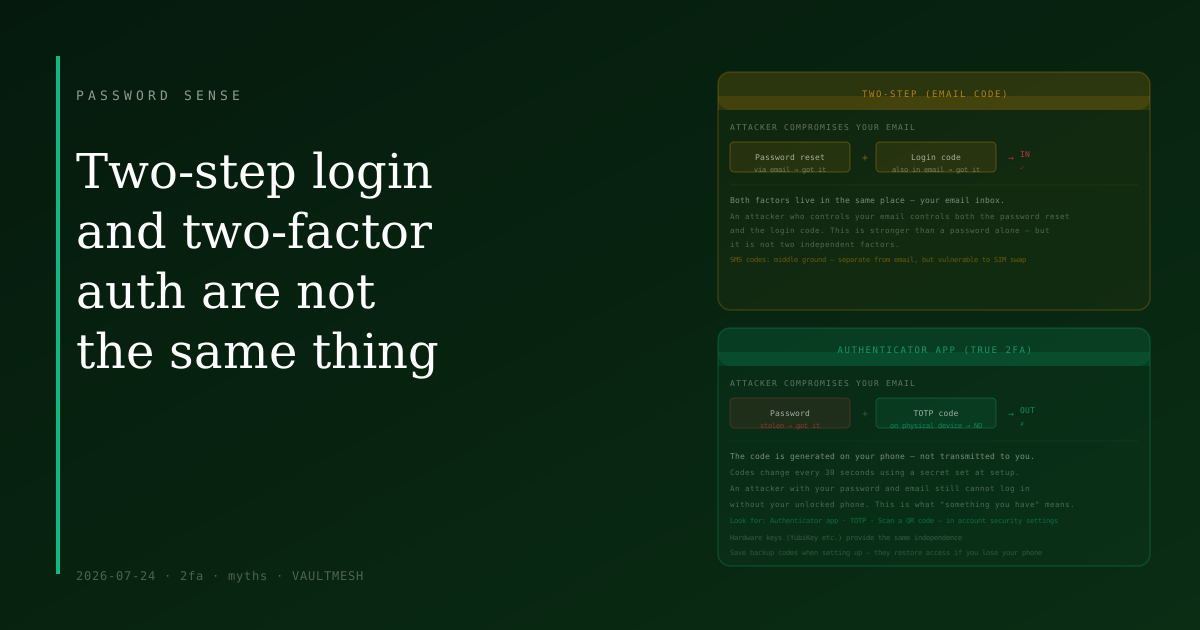
Two-step login and two-factor authentication are not the same thing
Sending a login code to your email is better than nothing — but it is not the same as true 2FA, and the difference matters for accounts you really need to protect.
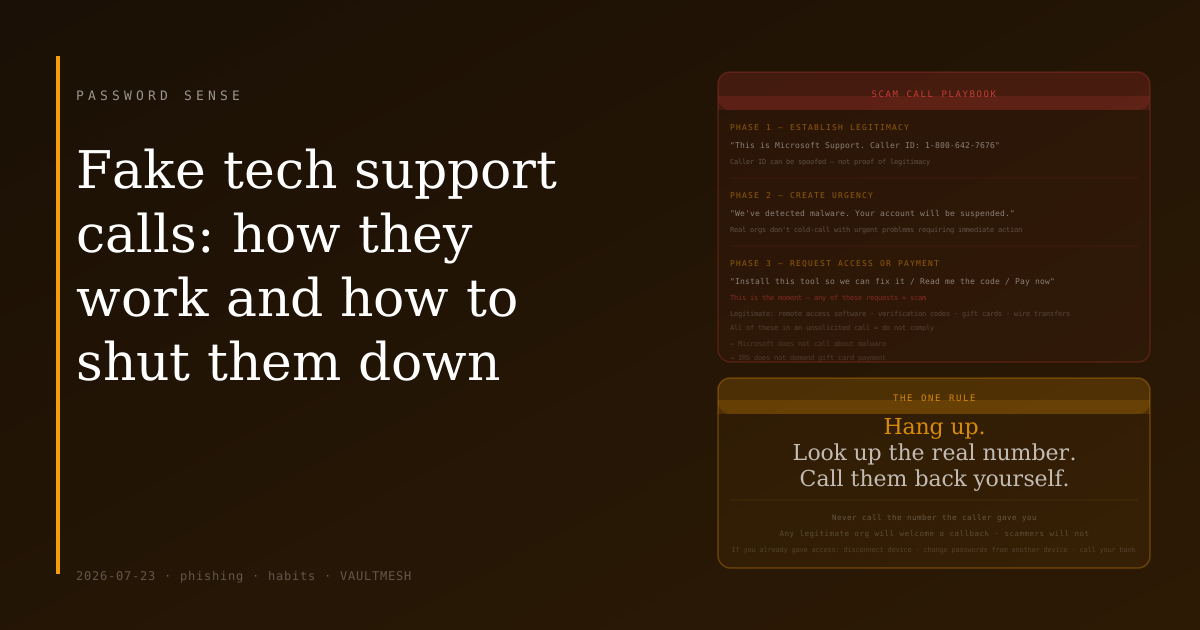
Fake tech support calls: how they work and how to shut them down
The caller sounds professional and the problem sounds urgent — but one rule shuts down almost every tech support scam: hang up and call back on a number you looked up yourself.
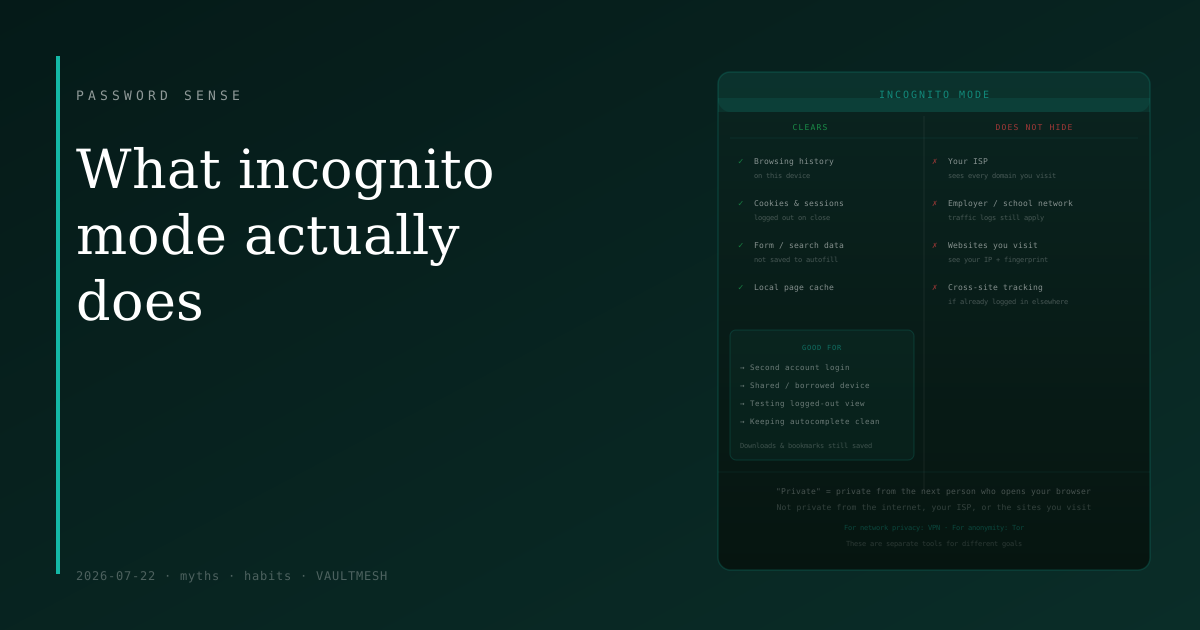
What incognito mode actually does
Private browsing clears your local history when you close the window — but your ISP, employer, and every site you visit can still see exactly what you did.
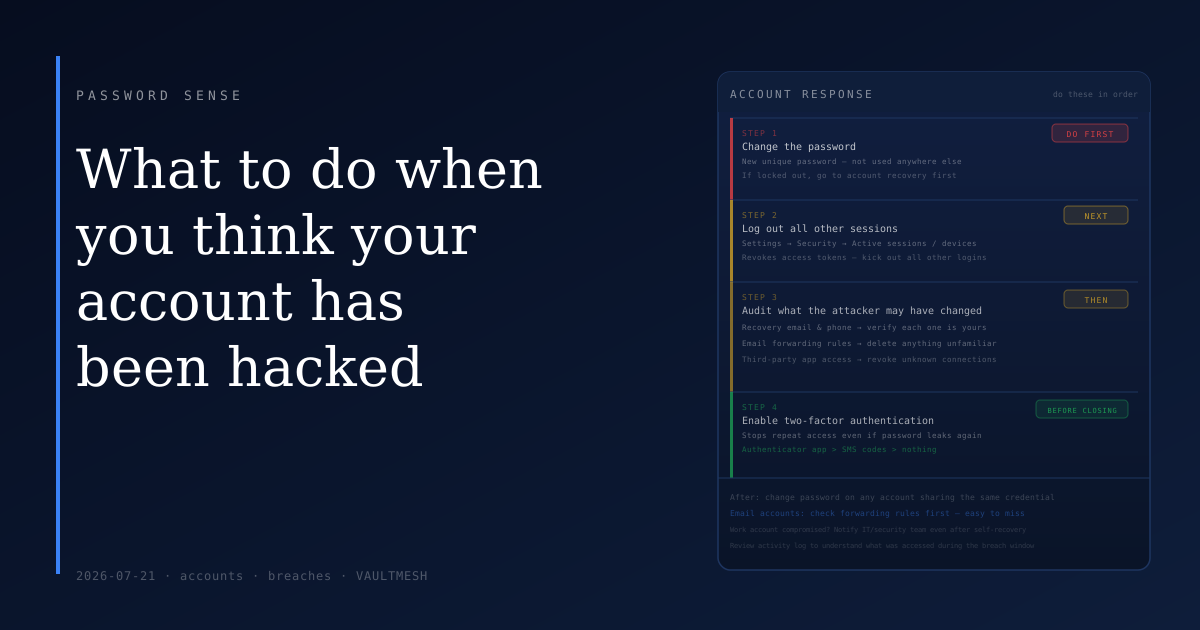
What to do when you think your account has been hacked
If you suspect an account has been compromised, a few calm steps in the right order will do more than a panicked sweep of everything at once.
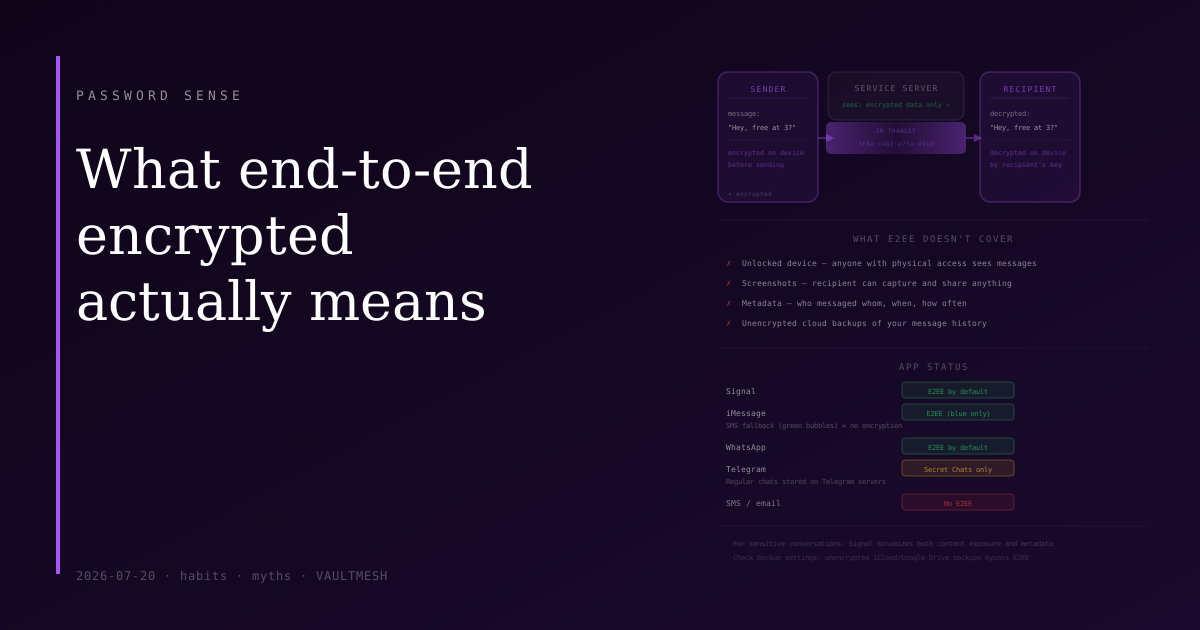
What end-to-end encrypted actually means
End-to-end encryption protects your messages from the service provider — but it has real limits that are worth understanding before you rely on it.
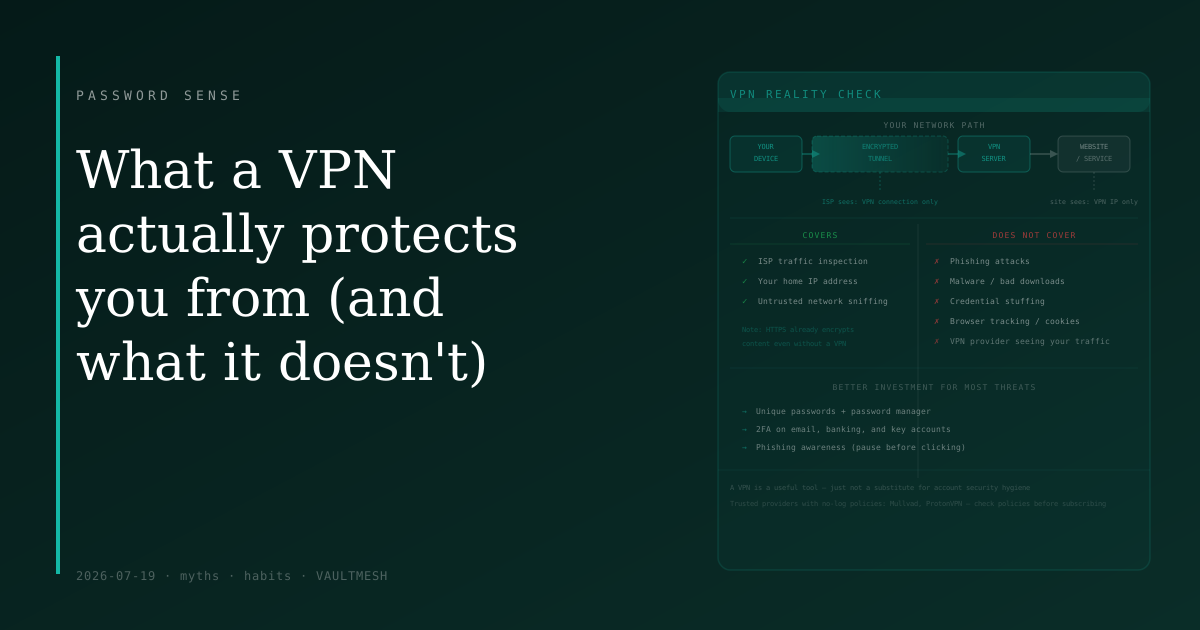
What a VPN actually protects you from (and what it doesn't)
VPNs are marketed as all-purpose security tools, but most of the threats people worry about are ones a VPN doesn't address at all.
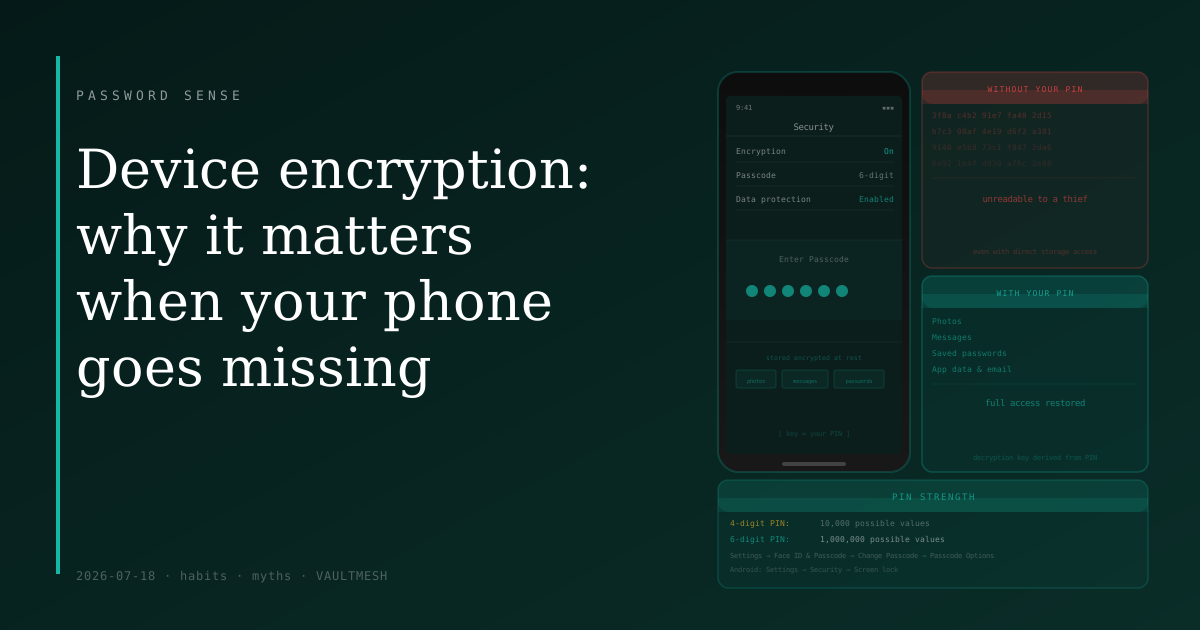
Device encryption: why it matters when your phone goes missing
Full-device encryption means a thief who gets your phone can't read its contents without your PIN — but the protection is only as strong as that PIN.
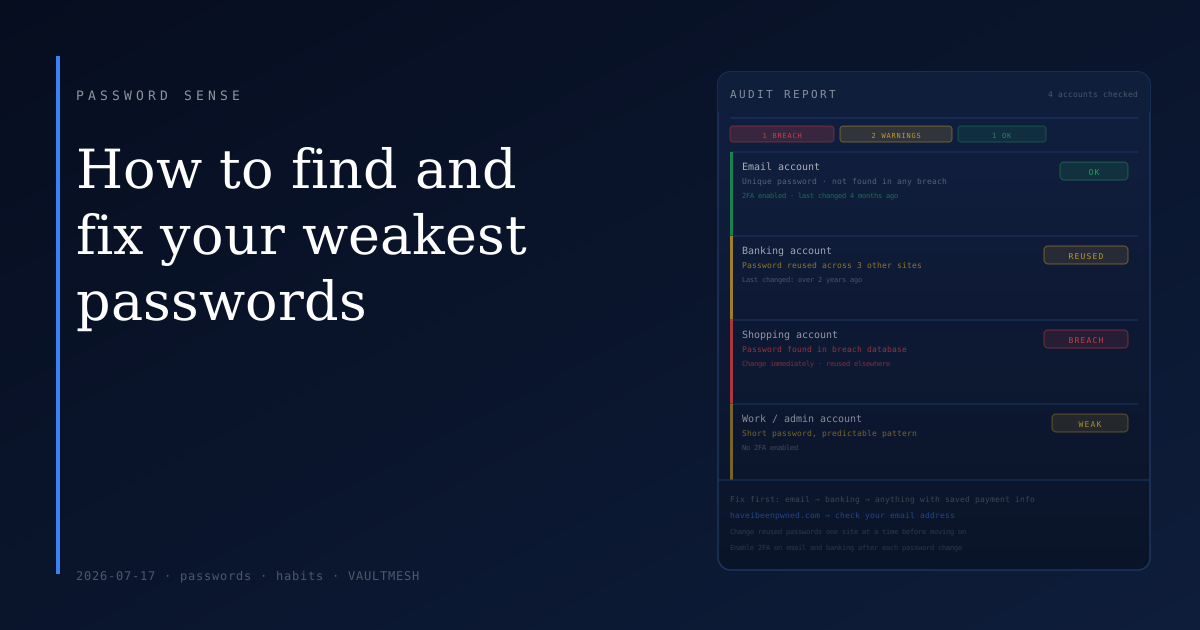
How to find and fix your weakest passwords
Most people have a few dangerously weak passwords hiding among acceptable ones — here's how to find them and fix the ones that matter most.
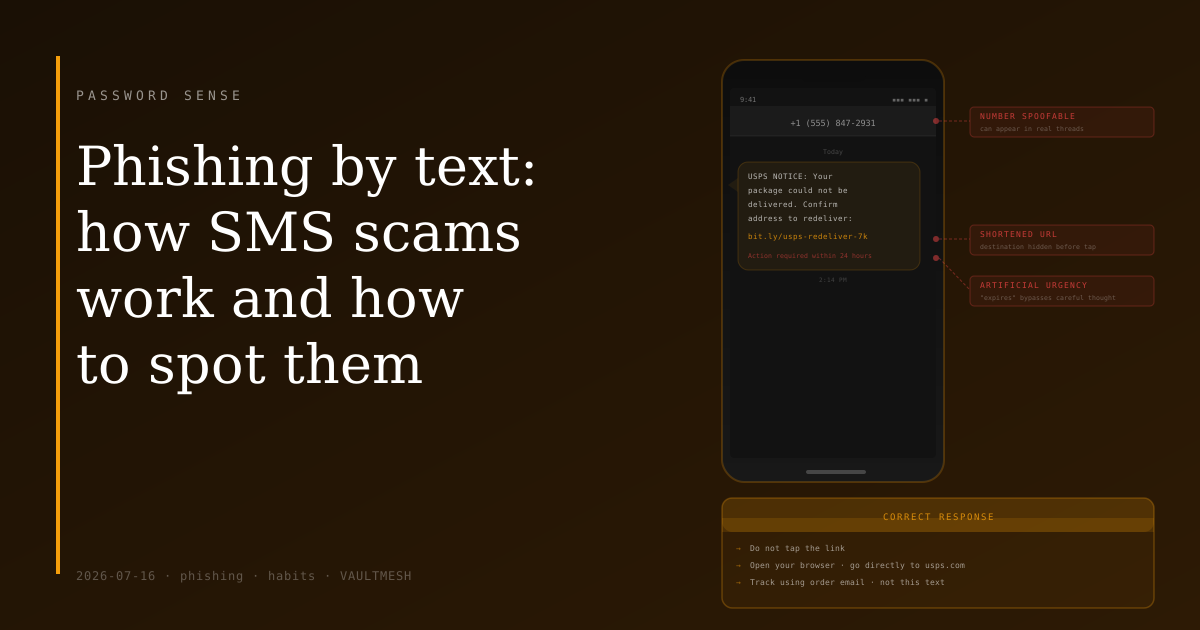
Phishing by text: how SMS scams work and how to spot them
SMS scams use the same tricks as email phishing, but text messages feel more personal and urgent — which is exactly what makes them effective.
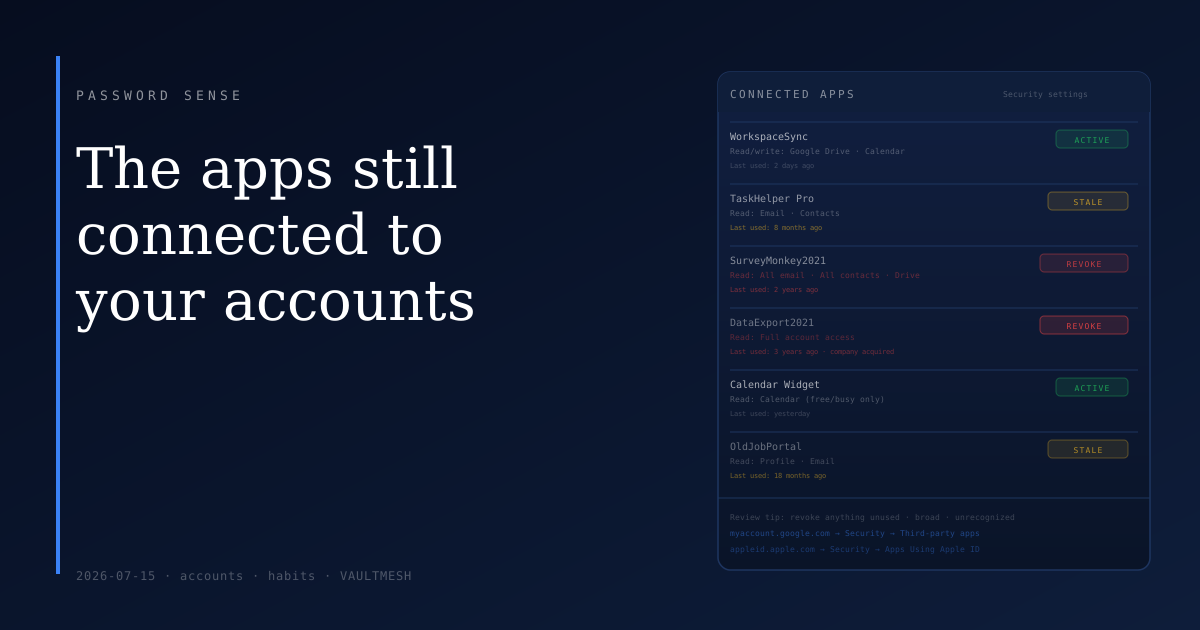
The apps still connected to your accounts
Every app you've connected to Google, Apple, or Microsoft keeps that access until you explicitly revoke it — and most people never do.
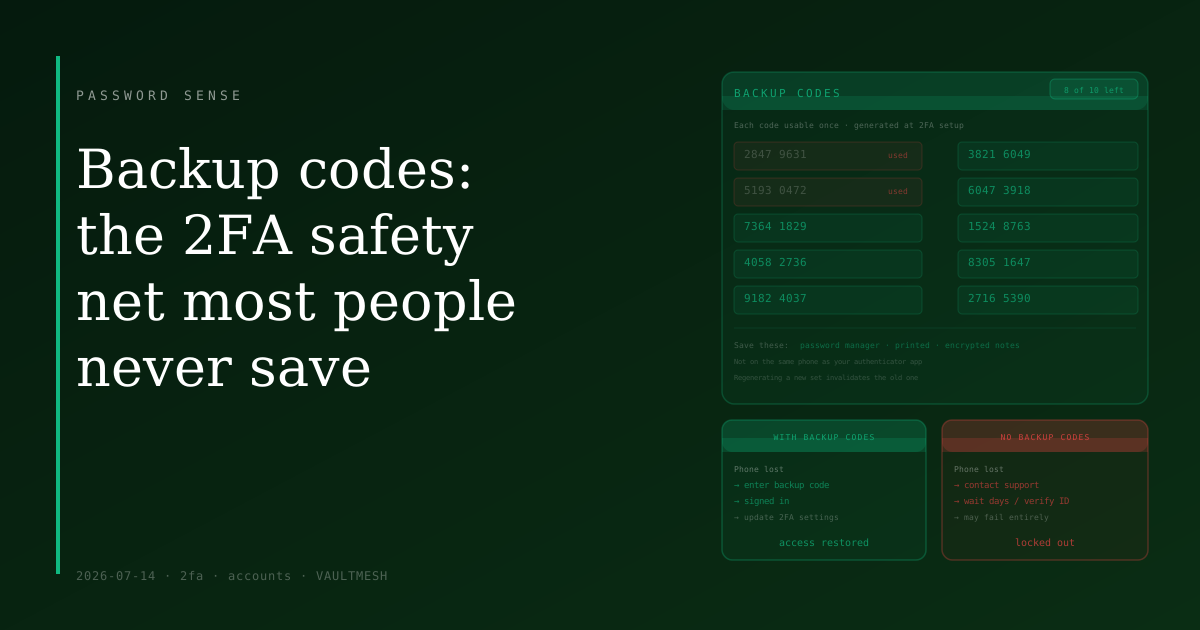
Backup codes: the 2FA safety net most people never save
When you set up 2FA, most services generate backup codes for emergencies — but skipping that step is how people get locked out of their own accounts.
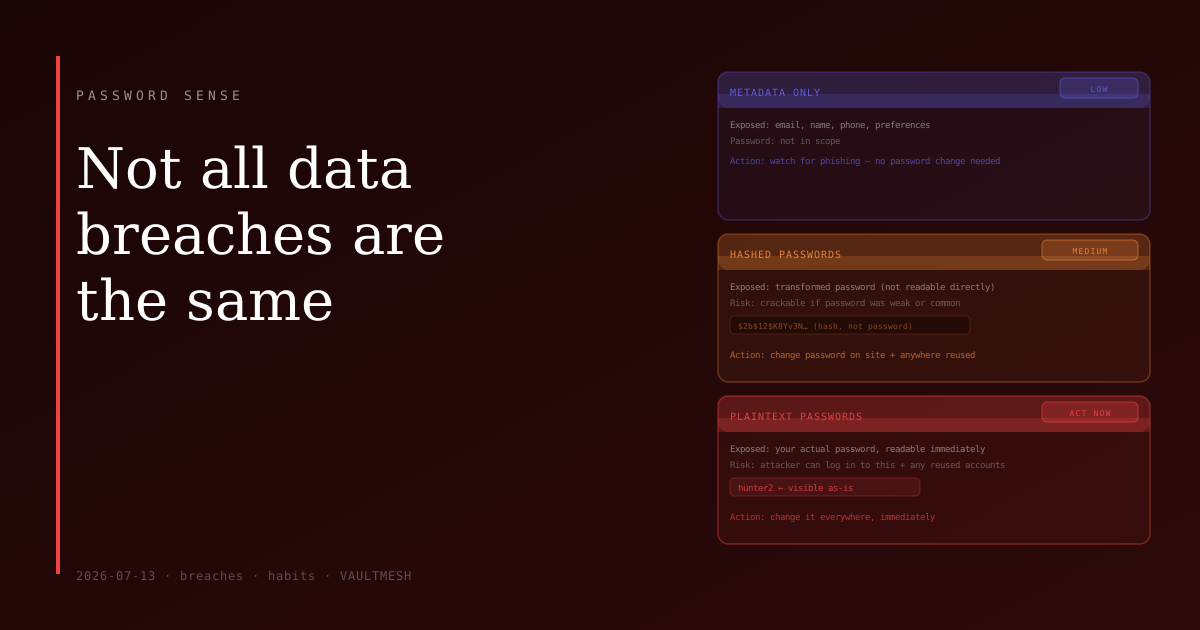
Not all data breaches are the same
A breach notification doesn't always mean your password is at risk — how urgently you need to act depends on what was actually exposed.
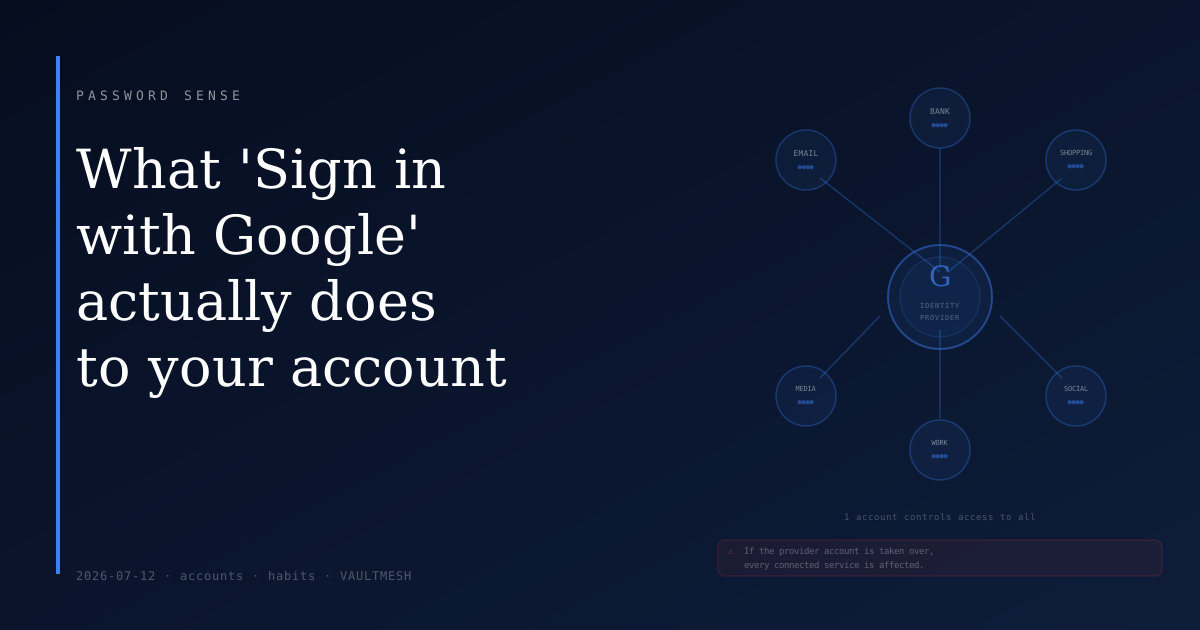
What 'Sign in with Google' actually does to your account
Social login is convenient, but it makes your Google or Apple account a master key for every service you connect to it.
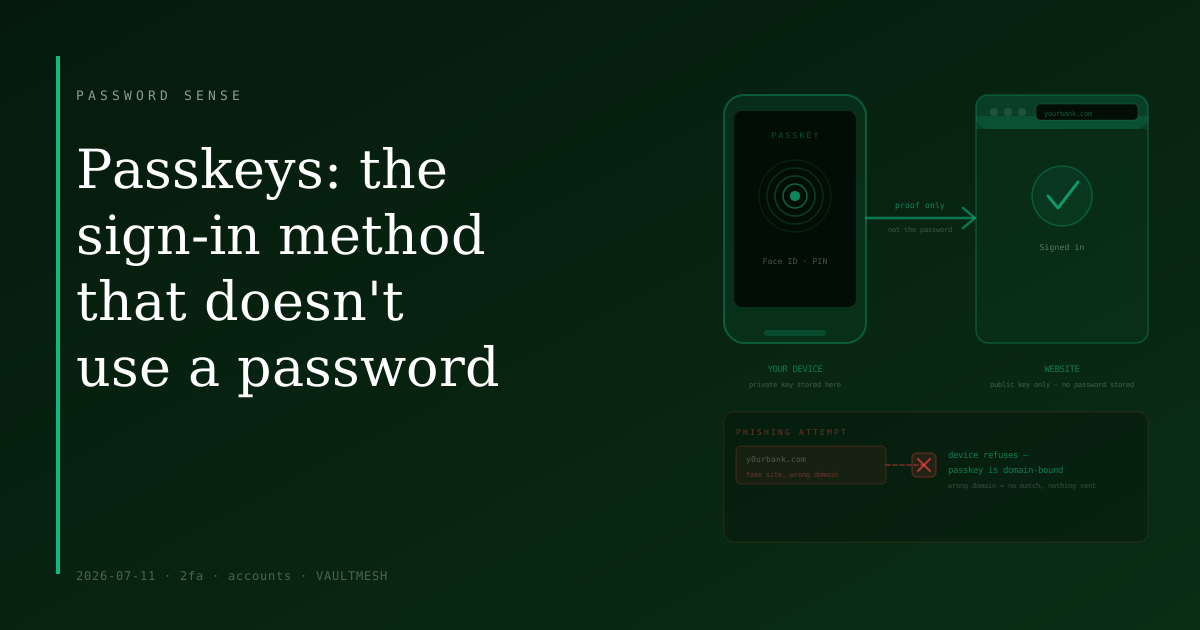
Passkeys: the sign-in method that doesn't use a password
Passkeys replace the password entirely — your device proves your identity with a cryptographic key that never leaves it.
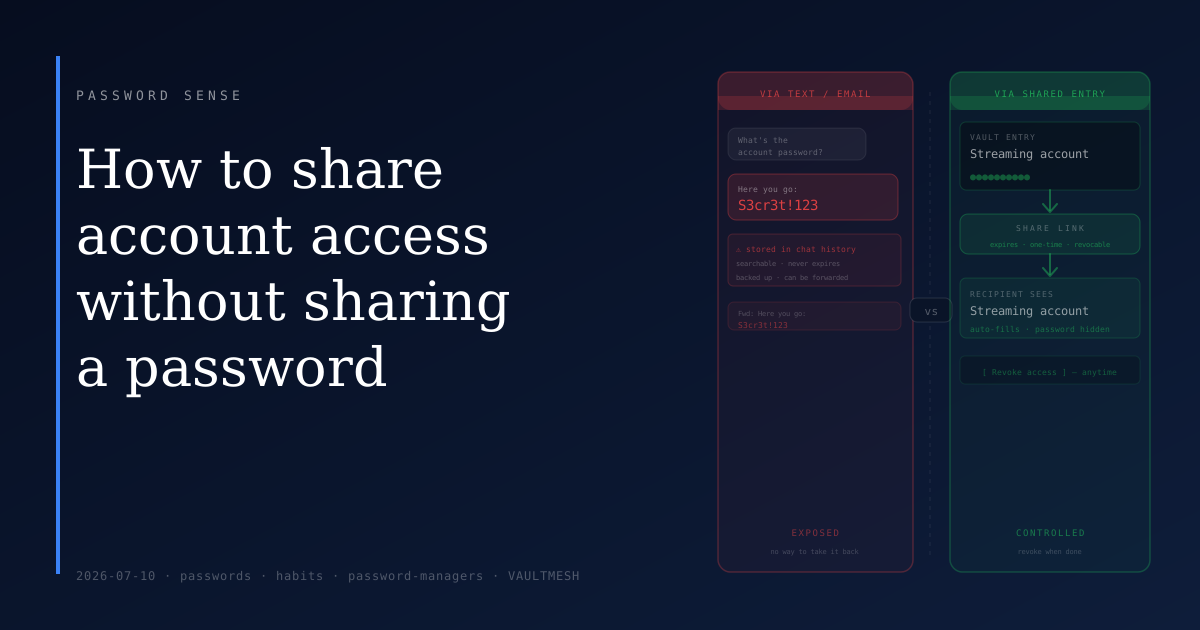
How to share account access without sharing a password
Sending a password over text or email leaves it in message history permanently — there are cleaner ways to share account access.
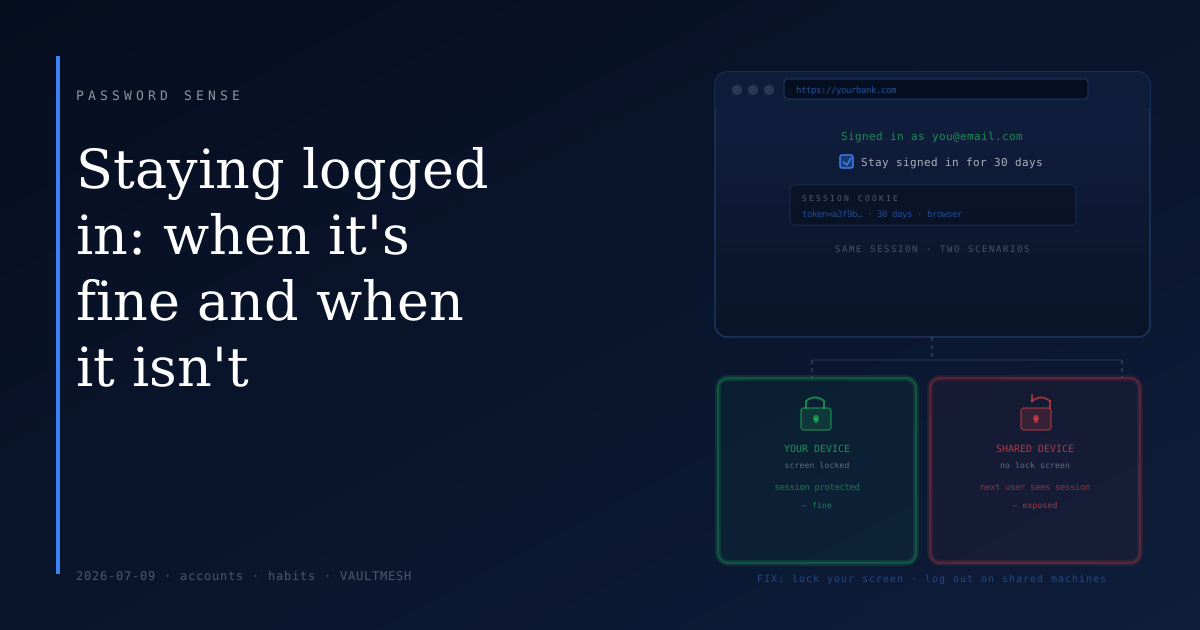
Staying logged in: when it's fine and when it isn't
Persistent login sessions are convenient — but a liability on shared devices or when your screen isn't locked.
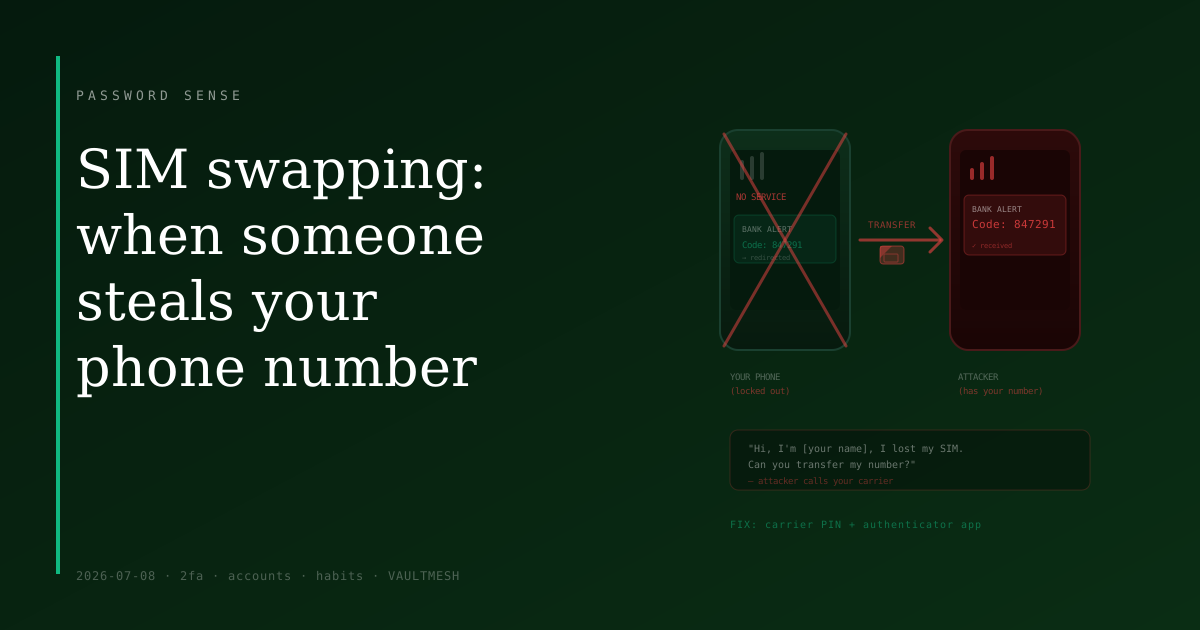
SIM swapping: when someone steals your phone number
A SIM swap attack transfers your phone number to someone else's device — and with it, any verification codes your accounts send via text.
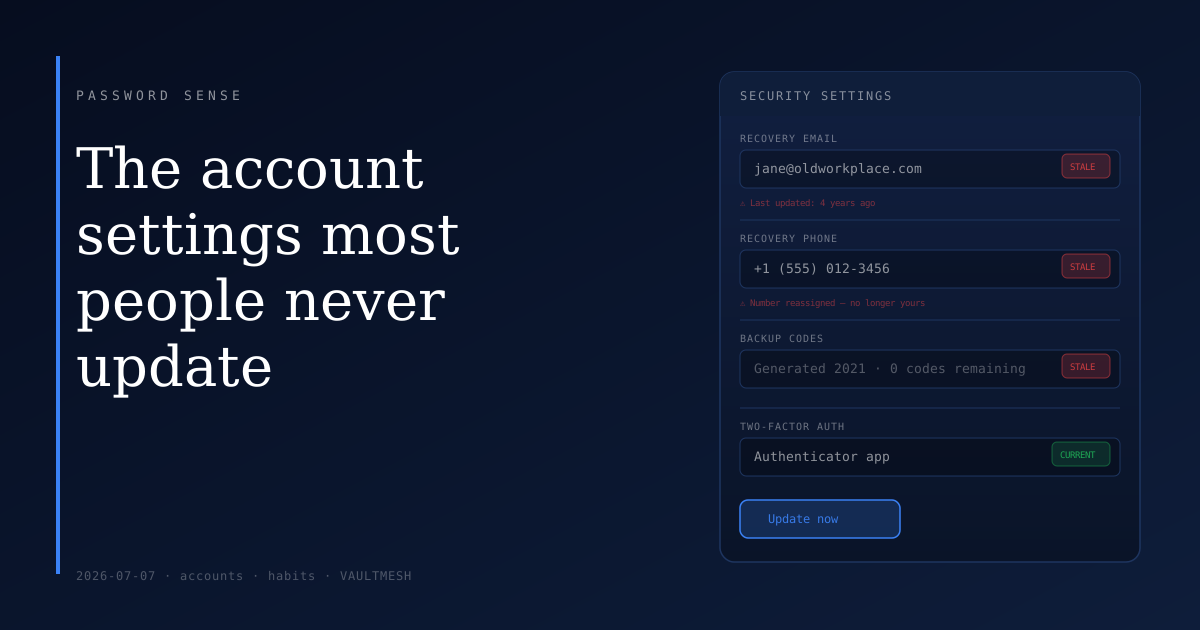
The account settings most people never update
Your recovery email and phone number are what get you back in when something goes wrong — but most people set them once and never revisit them.
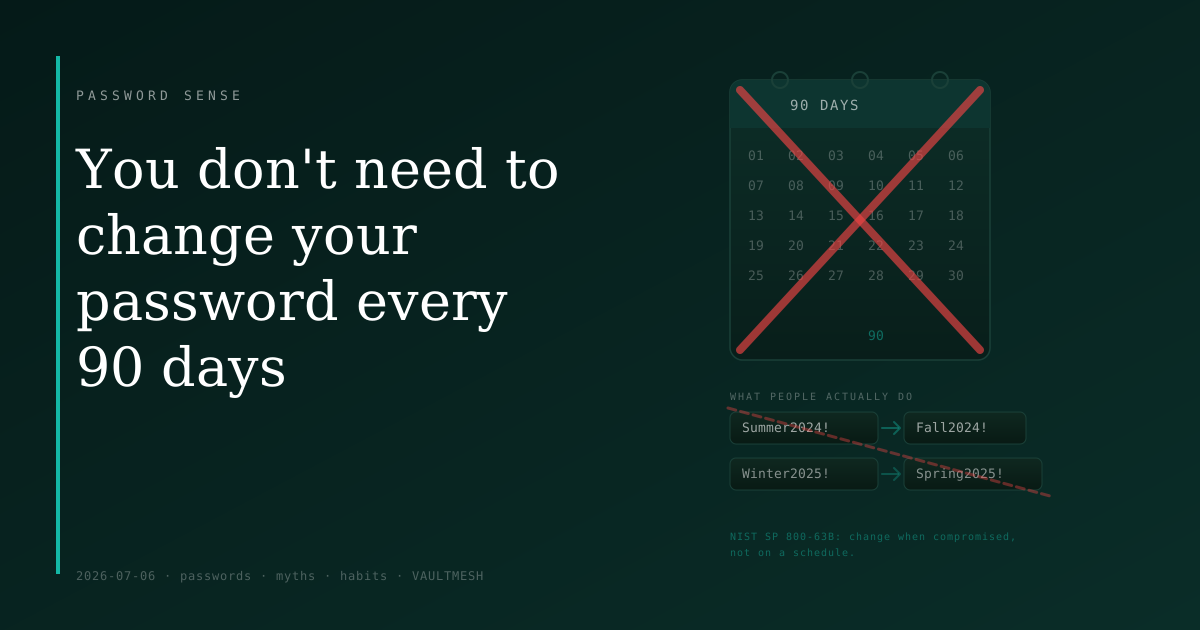
You don't need to change your password every 90 days
Forced password rotation leads to weaker passwords, not stronger ones — here's what current guidance actually says, and when you really should change a password.
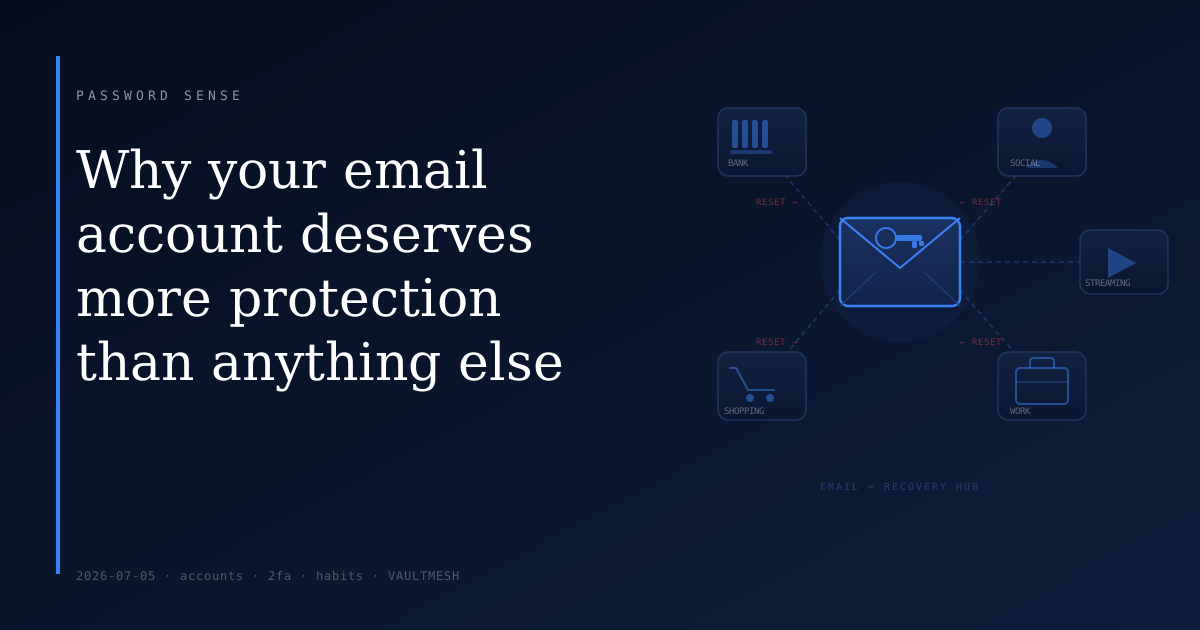
Why your email account deserves more protection than anything else
Every "forgot password" link goes to your inbox — which makes your email account the recovery point for everything else you own online.
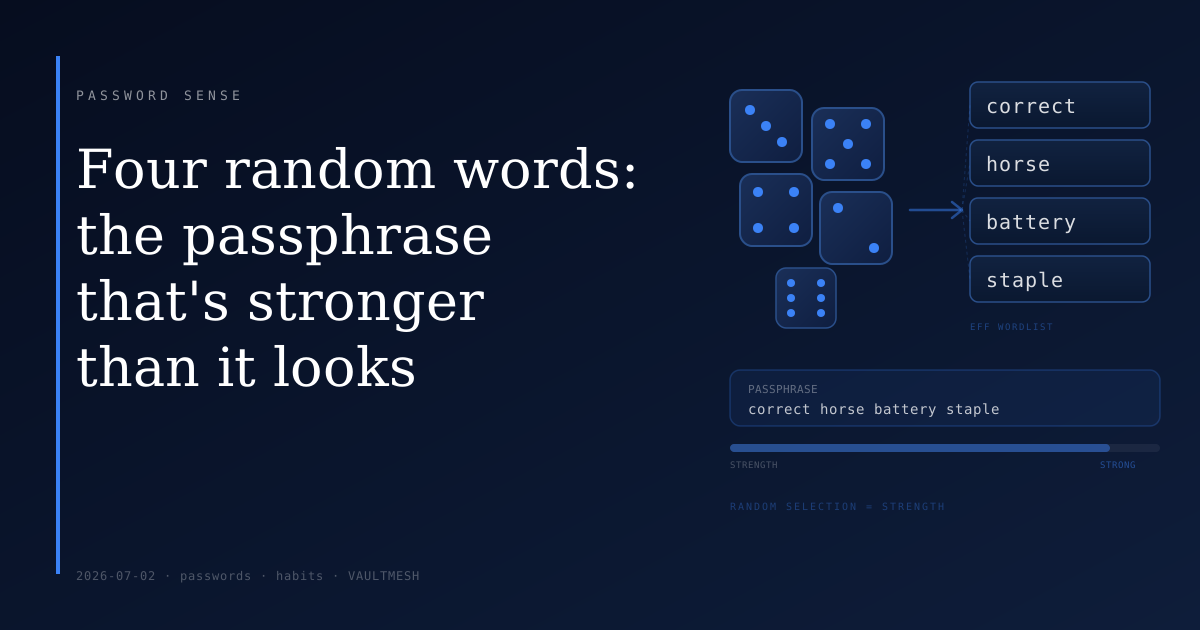
Four random words: the passphrase that's stronger than it looks
A four-word passphrase can be easier to remember than a complex password and harder to guess — but only if the words are chosen randomly.
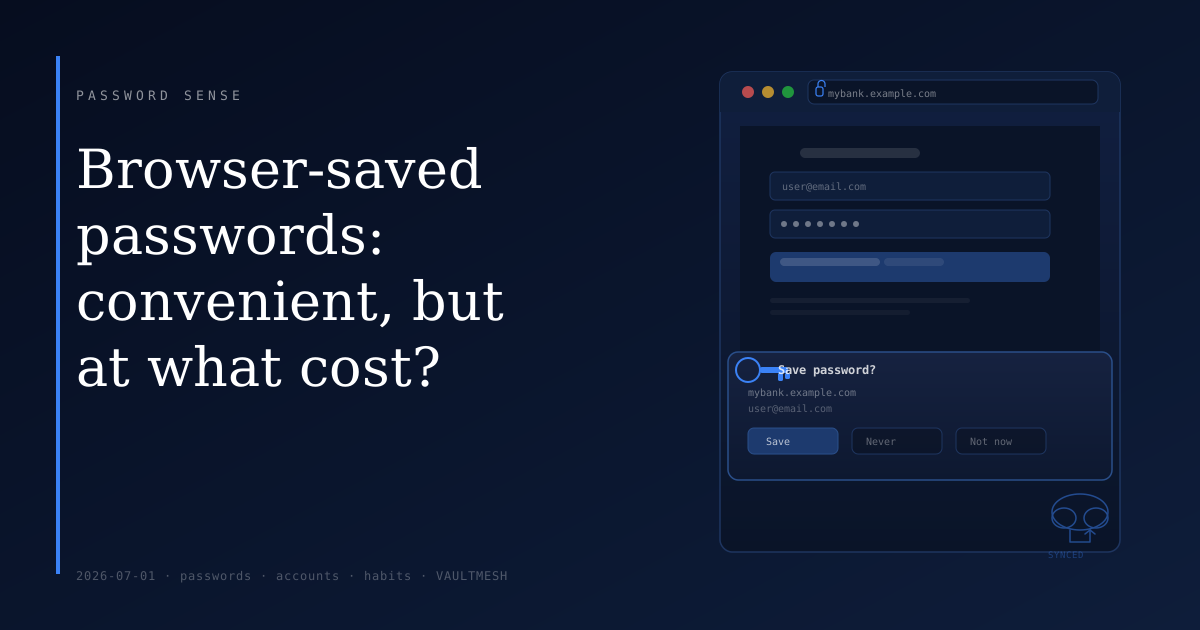
Browser-saved passwords: convenient, but at what cost?
Letting your browser remember passwords is easy and reasonably secure in many cases — but there are real trade-offs worth knowing before you rely on it.
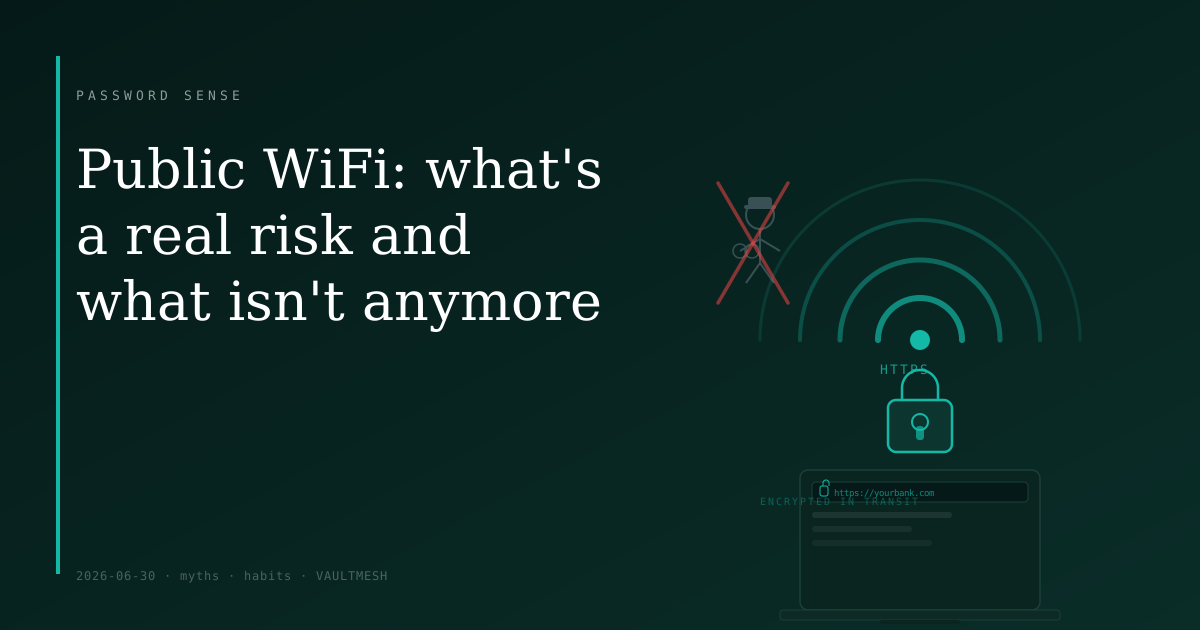
Public WiFi: what's a real risk and what isn't anymore
The old WiFi eavesdropping threat has shrunk considerably — here's what still matters and what you can mostly stop worrying about.
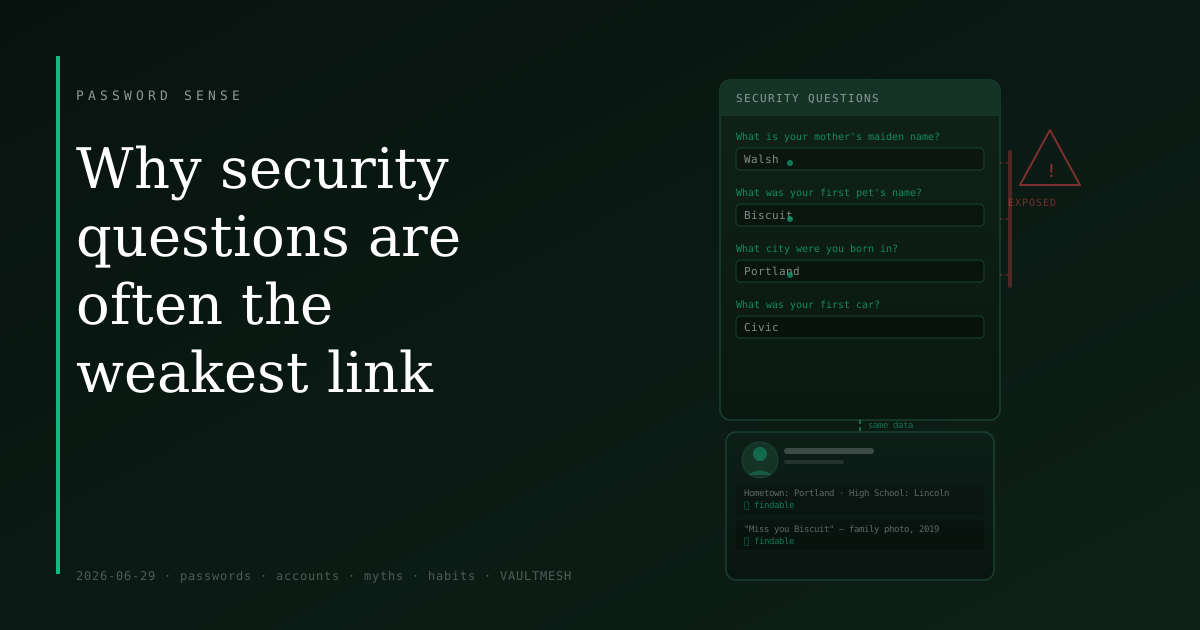
Why security questions are often the weakest link
Mother's maiden name and first pet — security questions feel like extra protection, but their answers are often findable by anyone who looks.
What a password manager actually does (and doesn't do)
Password managers are simpler than they sound — here's what they store, how the master password works, and what happens if you forget it.
Your password was in a breach — here's what actually matters next
Getting a breach notification is unsettling, but the right response is short and specific — not a security overhaul of every account you own.
Two-factor authentication, explained without jargon
What 2FA actually is, the three common kinds, and why SMS is weaker than the alternatives — but still worth using.
The one password habit that quietly hurts most people
Reusing the same password across multiple sites turns one compromised account into a key that unlocks all of them.
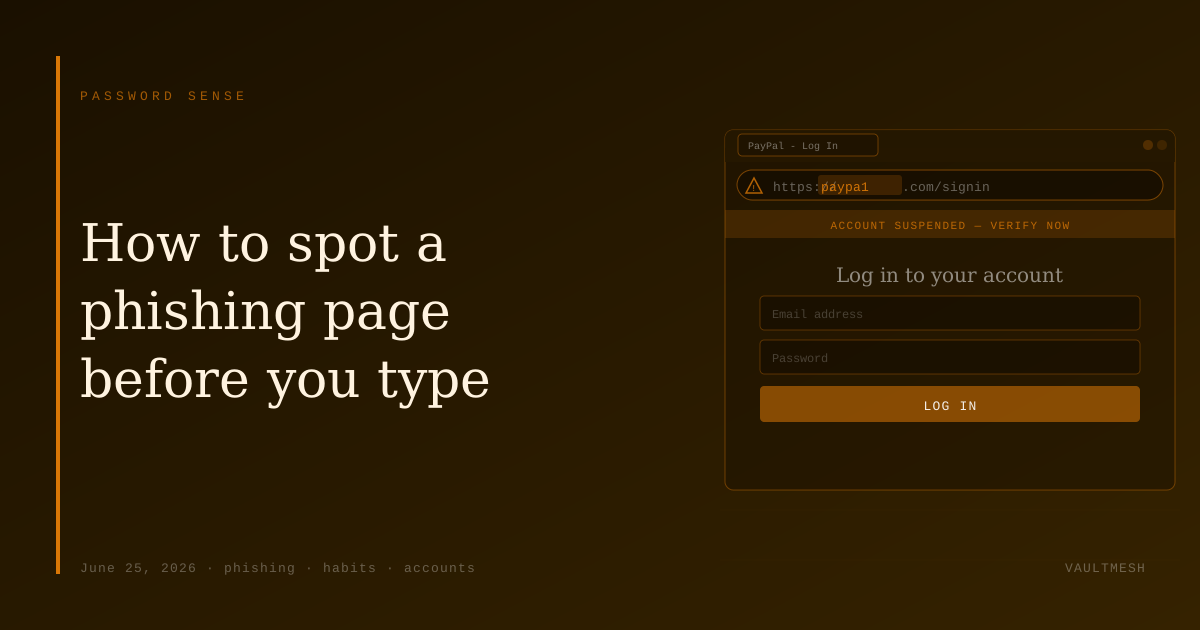
How to spot a phishing login page before you type
A few reliable cues — domain name, urgency, the padlock myth — that cover the most common phishing attempts before you enter a single character.
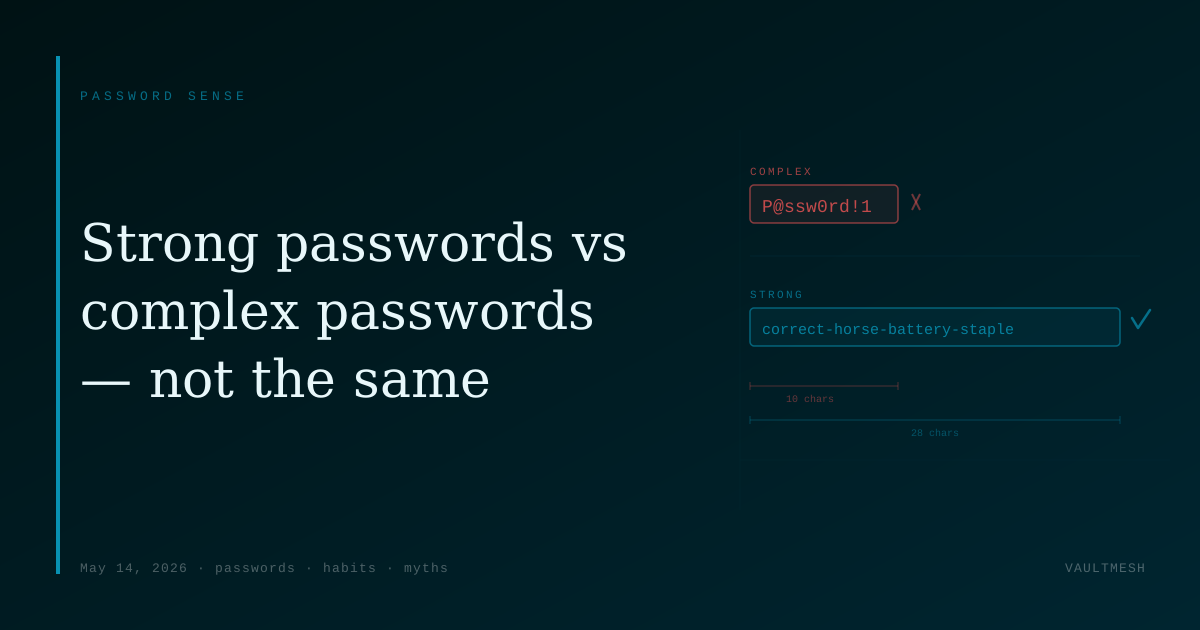
Strong passwords vs complex passwords — they're not the same
Symbols and uppercase letters feel like strength, but length and unpredictability are what actually make a password hard to guess.
A blog about the password habits that actually matter
A short note on what Password Sense is for, who it's written for, and what kinds of posts to expect.