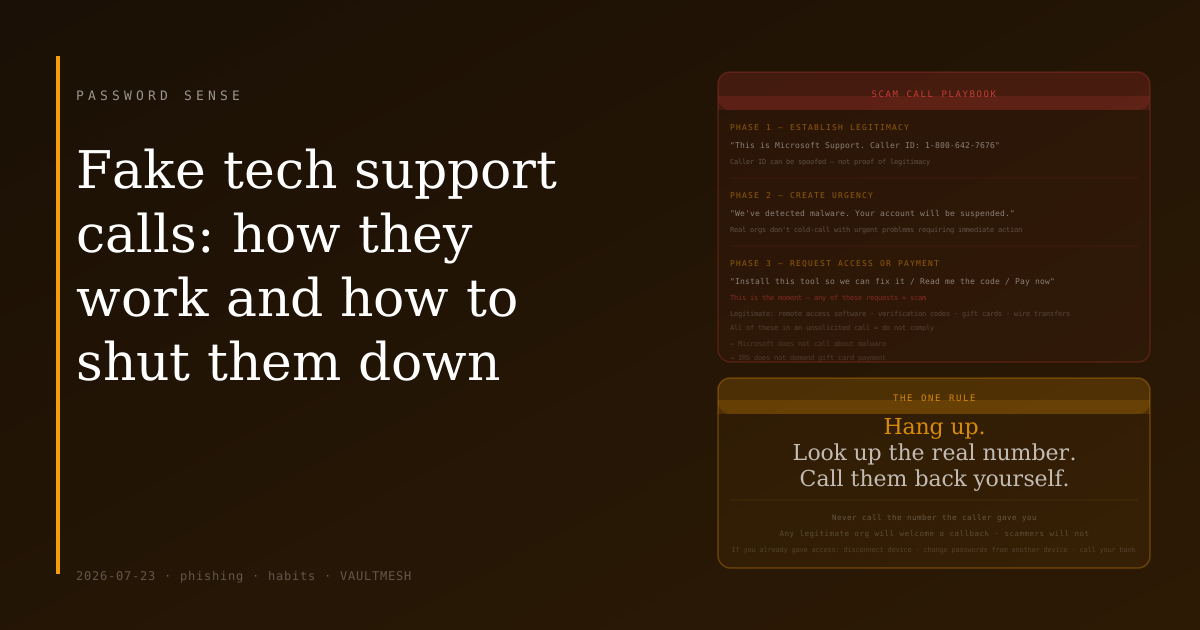
Fake tech support calls: how they work and how to shut them down
The call is from "Microsoft." There's unusual activity on your computer — malware has been detected, or your subscription is about to lapse. They can walk you through fixing it right now. They just need you to install a small remote access tool so they can take a look.
Or it's your bank's fraud department. A transaction you didn't make. They need to verify your identity before they can reverse it. Could you read the code that just arrived by text?
Or it's the IRS. There's a warrant. You can avoid arrest by resolving the outstanding tax bill immediately, payment by gift card or wire transfer.
These are variations on the same attack. The technical term is vishing — voice phishing — and the playbook is consistent regardless of who the caller claims to be.
How these calls work
The attacker impersonates a trusted organization: a tech company, a bank, a government agency. The opening establishes urgency — something bad is happening right now and you need to act. Then they request something: access to your device, a code from your phone, a payment, or personal information.
The emotional pressure is the mechanism. If you slow down and think, the call doesn't work. So the script is designed to prevent that. The fake problem is severe enough to make you want to act fast. The caller stays on the line to keep you engaged. In some versions, they discourage you from looking anything up because "that will slow down the fix."
The tells
Real organizations almost never call you out of nowhere to tell you about a problem and then ask you to take an action immediately on that same call. This is not how technical support, fraud prevention, or government agencies typically operate.
Microsoft and Apple do not proactively call customers about malware on their devices. Your bank may call about fraud, but the legitimate version will not ask you to install software, read back a login code, or transfer money to a "safe account." The IRS does not demand immediate payment by gift card.
Some caller IDs can be spoofed to show a bank's real number. This doesn't make the call legitimate — it makes it harder to use caller ID as a signal.
If an unexpected call asks you to install anything, provide a code that arrived by text, or make an immediate payment: that's the tell.
The one rule that works
Hang up. Then look up the organization's actual contact number — on their official website, on the back of your bank card, or through a search engine — and call that number yourself.
If the original call was real, the organization will have a record of it and you can continue from there. If it was a scam, you've ended it. This applies even if the caller provides a callback number: don't call the number they give you. Only call a number you found independently.
This rule is simple enough that it works even in the moment when you're feeling urgent pressure. Hang up. Look it up. Call back.
If you already acted on a scam call
If you installed remote access software during a call like this, disconnect the device from the internet immediately. The attacker may have accessed files, credentials, or installed additional software during the session. Run a malware scan from a reputable tool. Change your important account passwords from a different device before reconnecting.
If you gave financial information — card numbers, bank account details, or made a payment — contact your bank directly and report it. Act quickly; fraud claims are more likely to succeed when reported promptly.
If you read back a code that arrived by text, that code was likely a login verification code for one of your accounts. Check whether anything looks unfamiliar in the recent activity for the account that might have sent it.
The short version
The defense is a single habit: never act on a call that came to you. Hang up and initiate contact yourself. No legitimate organization will object to you calling them back on a number you verified. Scammers will.