Public WiFi: what's a real risk and what isn't anymore
The advice has been around long enough to feel like received wisdom: never use public WiFi for anything sensitive. No banking, no email, definitely not work. Coffee shops and hotel networks are traps.
There's a real threat underneath that advice. But the threat has changed considerably over the past decade, and what was genuinely risky in 2012 looks different now.
What the original concern was
The classic attack on public WiFi was passive eavesdropping. On an open wireless network, all traffic is broadcast through the air, and anyone on the same network with the right tools could watch it. If you loaded a banking page over plain HTTP, someone nearby could see exactly what you were doing — account numbers, passwords, everything.
That attack worked because most web traffic was unencrypted. The assumption that "only you can see what you're sending" was simply wrong on a shared network.
What changed: HTTPS is now nearly universal
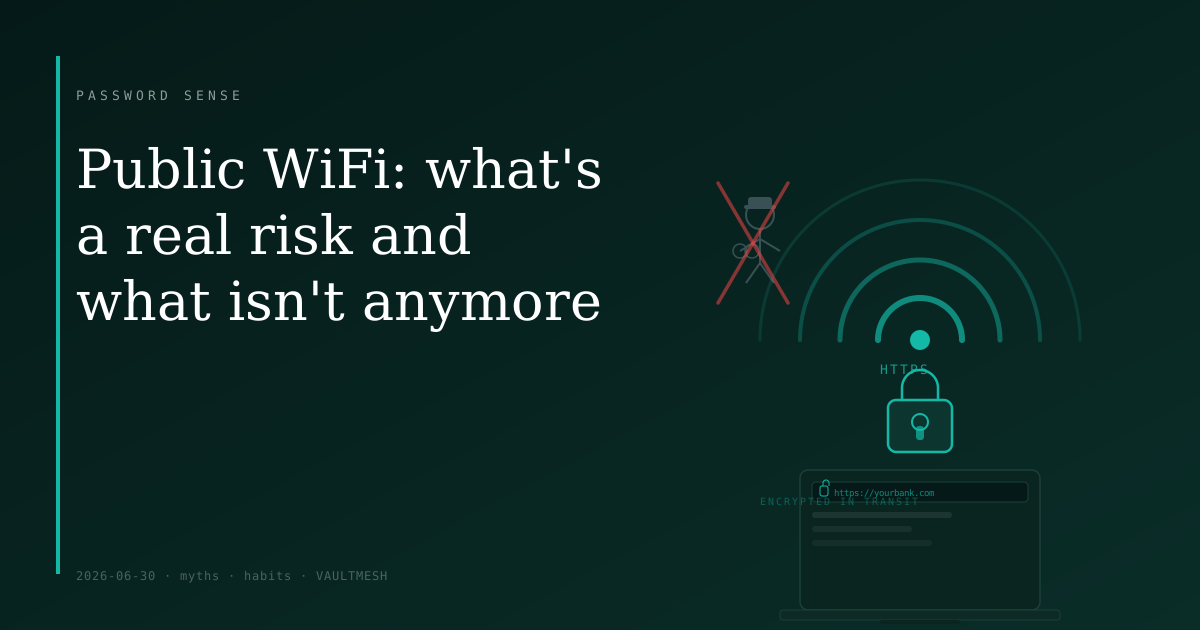
The web has largely moved to HTTPS. When a site loads over HTTPS, the connection is encrypted end-to-end between your browser and the server. Someone watching the network can see that you connected to yourbank.com, but not what page you loaded, not what form you submitted, not the credentials you typed. The content is scrambled in transit.
The shift took time, but it took hold. Search engines, browsers, and hosting providers pushed hard for HTTPS adoption, and today most sites a normal person visits use it by default.
This doesn't make public WiFi risk-free. It means the specific threat of a stranger quietly reading your login credentials from the next table is much smaller than it was.
What still matters
Fake access points. An attacker can create a WiFi hotspot with a plausible name — "Airport_Free_WiFi" or "HiltonGuest" — and wait for devices to connect. Once you're on their network, they control what your device sees. They can redirect you to convincing fake login pages, intercept traffic before encryption kicks in, or inject content into any unencrypted page you load. The defense is simple: ask a staff member for the actual network name, and prefer networks that require a password over completely open ones.
Captive portals. Most public WiFi networks make you click through a welcome or terms-of-service page before granting internet access. These pages load over HTTP — they have to, in order to intercept your connection before it's established. It's a brief window where your device is making unencrypted requests on a network you don't control. It's short, but worth knowing about: avoid entering passwords or sensitive information until you're fully connected and past the portal page.
High-stakes administrative work. If your job involves accessing server infrastructure, business admin panels, or systems where a compromised credential would cause serious damage, a hotel or cafe WiFi network deserves extra caution. The risk on any given connection may be small, but the downside of getting it wrong is large. A VPN routed through a network you trust adds a layer of protection here — it keeps your traffic off the local network and away from the scenarios above.
What you can mostly stop worrying about
Checking email, browsing, shopping, or accessing your bank's website on public WiFi is generally fine if the site loads over HTTPS. The padlock in your browser's address bar signals that the connection is encrypted. With that in place, someone on the same network cannot read your traffic by watching it.
"Never use public WiFi" as a blanket rule made sense when HTTP was common. As a rule for today, it's an overcorrection — one that makes using a laptop in public significantly more inconvenient without meaningfully improving security for most everyday tasks.
The practical approach
Before connecting to any public network, glance at the name and confirm it matches what the venue actually runs. Once connected, complete any captive portal page before doing anything sensitive. On any site where you're entering a password, confirm HTTPS is active.
If you travel for work and regularly access sensitive systems remotely, a VPN through a trusted network is a reasonable precaution. It isn't necessary for general browsing, but it narrows the exposure for higher-value targets.
The goal is calibrated caution, not avoidance. Public WiFi has genuine limits, and it's worth knowing what they are — but "never trust it for anything" overstates them by a fair margin.